Feature Toggles
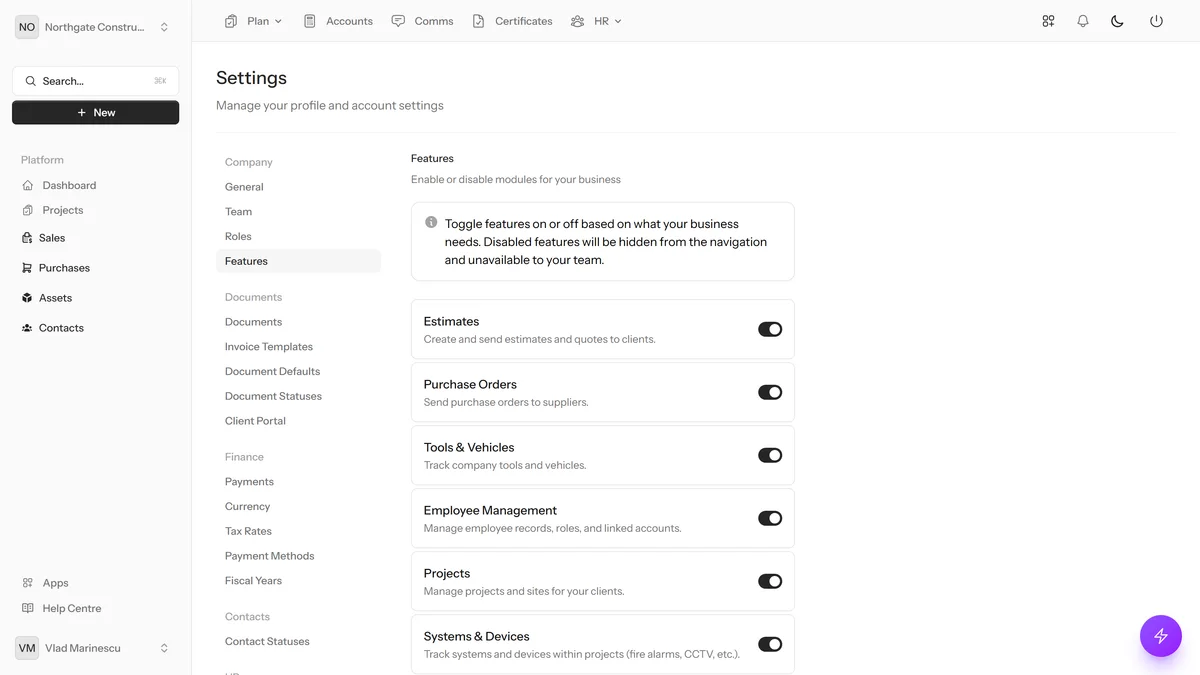
Enable or disable entire modules per company. Hide Projects, Inventory, Certificates, or Time Tracking if your business doesn't need them. Keep the interface clean and focused on what matters to you.
Key Benefits
Clean Interface
Hide modules you don't use for a simpler experience.
Per-Company Control
Each company chooses which features to enable.
Instant Changes
Toggle features on or off with a single click.
No Lock-In
Re-enable any feature at any time — nothing is deleted.
Clean Interface
Hide modules you don't use for a simpler experience.
Toggle Projects module
Toggle Systems & Devices
Toggle Certificates module
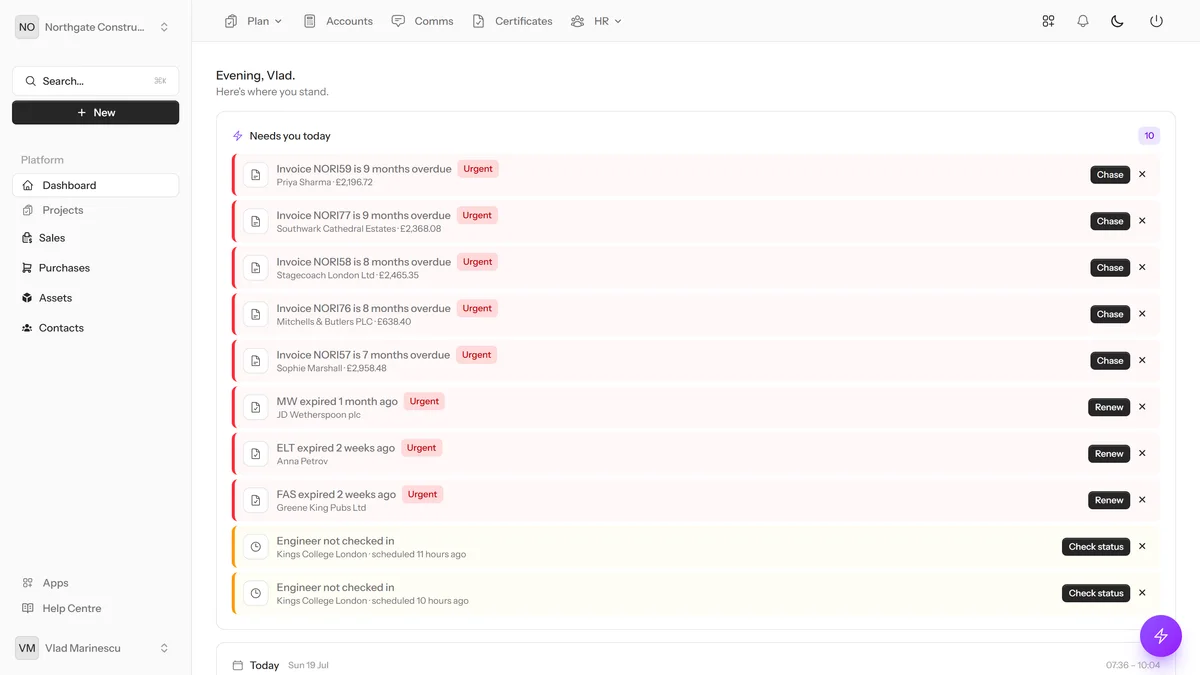
Quick Create menu adapting to enabled features — showing only relevant create options
feature-toggles/showcase-2.webp (1200x675)
Per-Company Control
Each company chooses which features to enable.
Toggle Inventory module
Toggle Time Tracking
Toggle Job Checklists
UK Built & Hosted
HMRC Recognised
No Credit Card Required
14-Day Free Trial
What You Can Do
Toggle Projects module
Toggle Systems & Devices
Toggle Certificates module
Toggle Inventory module
Toggle Time Tracking
Toggle Job Checklists
Sidebar updates automatically
Quick Create menu adapts
Ready to Try Feature Toggles?
Start your free 14-day trial today. No credit card required.
Get Started Free